
Alternatives guide
Best Cursor Alternatives in 2026
Hands-off editorials guide to the five Cursor alternatives we trust most in 2026 — GitHub Copilot, Windsurf (now Devin Desktop), Claude Code, Cody, and Tabnine — with verified 2026 pricing, model access, and where each one wins.

Best Cursor Alternatives in 2026
Context
Why people look for alternatives
Developers look beyond Cursor when they want IDE-native pair programming inside their existing editors, want a coding agent that lives in the terminal, need stronger enterprise deployment options, prefer JetBrains' language-aware assistance, or simply need to compare Cursor vs GitHub Copilot vs Claude Code on pricing, model choice, and workflow fit.
Options
Alternatives
The closest IDE-native peer to Cursor, with mature GitHub workflow integration, the widest model selection in 2026, and a free tier that most solo developers can start with.
Best for · Teams already standardized on GitHub Enterprise, VS Code, or JetBrains IDEs who want pair programming without switching to an AI-first editor.
Re-branded as Devin Desktop in July 2026, Windsurf remains the most Cursor-like AI-native editor — plus a multi-agent command center for managing local and cloud coding agents.
Best for · Developers who want a Cursor-style AI editor plus serious multi-agent orchestration and a free tier with SWE-1.6.
Anthropic's terminal-first coding agent with strong repo-wide reasoning, MCP integration, and a free vs Max subscription tier starting at $17/month.
Best for · Engineers who prefer agentic work from the CLI, want deep Claude models (Sonnet, Opus), and like moving sessions between terminal, IDE, desktop, and Slack.
Shortcuts
Quick picks
Best overall
Best lower cost
Best free
Best for teams
Best specialist
Questions
FAQ
01
Is there a free Cursor alternative that's actually good?
01
Is there a free Cursor alternative that's actually good?
Yes. GitHub Copilot Free ships with 2,000 completions per month, agent mode in VS Code, JetBrains, and Visual Studio, and access to several frontier models at $0. Windsurf (now Devin Desktop) is also free. Claude Code requires a Pro subscription ($17/month annual) once you move past the Anthropic Console trial.
02
What is the closest competitor to Cursor in 2026?
02
What is the closest competitor to Cursor in 2026?
For an AI-first editing experience, Windsurf (now Devin Desktop) is the closest peer after Cursor itself. For day-to-day in-editor pair programming inside VS Code or JetBrains, GitHub Copilot is the closest category peer and the highest-adopted AI developer tool on the market.
03
Can Claude Code replace Cursor?
03
Can Claude Code replace Cursor?
For many repo-wide refactors, bug fixes, and test-writing tasks, yes. Claude Code runs in the terminal, VS Code, JetBrains, desktop, and Slack. Cursor still wins on the in-editor multi-file AI editing experience and tight Composer-style workflows, so most teams pair them or pick one based on where they live (editor vs terminal).
04
Is GitHub Copilot better than Cursor for teams?
04
Is GitHub Copilot better than Cursor for teams?
Copilot is usually the safer enterprise pick — it inherits GitHub Enterprise controls, audit logs, pooled AI Credits, and existing procurement. Cursor wins on agent-style multi-file editing in an AI-native editor. Compare on three things: model choice, codebase context, and admin policy.
05
What is the cheapest Cursor alternative for solo developers?
05
What is the cheapest Cursor alternative for solo developers?
GitHub Copilot Pro at $10/month (annual) is the cheapest paid Cursor alternative that still includes unlimited completions, agent mode, and most premium models. Cline, Continue, and Aider are all open-source and free if you bring your own API keys.
Deep dive
Full guide
Best Cursor Alternatives in 2026
If you are hunting for Cursor alternatives in 2026, you have more options than ever — and a lot more noise. Cursor is still a strong AI code editor, but Anthropic, GitHub, Sourcegraph, Tabnine, and Cognition all shipped real agent features this year that change the math.
We pulled the July 2026 pricing pages and product docs from each vendor, cross-checked them against independent coverage, and ranked the five Cursor alternatives most developers actually switch to.
“Cursor Recurring Revenue Doubles in Three Months to $2 Billion.” — Bloomberg, March 2, 2026. Cursor is growing fast, but so is everything around it.
Quick verdict: which Cursor alternative should you pick?
If you only have time to skim, here is where we land after weighing the 2026 pricing, model availability, and IDE coverage from each vendor:
- Stay inside your current IDE → GitHub Copilot (free tier, Pro at $10/month)
- Want a Cursor-style AI editor + multi-agent command center → Windsurf (Devin Desktop) (free, $20/month Pro)
- Live in the terminal and want the strongest Claude models → Claude Code ($17/month Pro, $100/month Max 5x)
- Working in a giant enterprise monorepo → Cody (Sourcegraph Enterprise)
- Need on-prem, zero-retention AI code → Tabnine ($39–$59/user/month)
All five are actively shipping in 2026; none are vapor.
Cursor alternatives at a glance (July 2026)
| Tool | Starting price (2026) | Best fit | Standout strength | Source |
|---|---|---|---|---|
| GitHub Copilot | Free; $10/mo Pro | Daily pair programming | Widest model list, deepest IDE coverage | github.com |
| Windsurf (Devin Desktop) | Free; $20/mo Pro | AI editor + multi-agent | Local + cloud agent command center | devin.ai |
| Claude Code | $17/mo Pro | Terminal-first agentic dev | Claude Opus/Sonnet + MCP | anthropic.com |
| Cody (Sourcegraph) | Enterprise ($16K+/yr) | Big monorepos | Codebase search context, enterprise controls | sourcegraph.com |
| Tabnine | $39/user/mo | Privacy-first enterprise | Air-gapped, on-prem, zero retention | tabnine.com |
(Pricing pulled July 30, 2026 from each vendor’s pricing page. Plans change — verify before you buy.)
What most people want from a Cursor alternative
Cursor wins on three things: a fast AI-native editor, multi-file editing under the hood, and tight agent loops. So the real question behind “what should I use instead of Cursor?” is usually one of these:
- “I don’t want to switch editors from VS Code or JetBrains.” → GitHub Copilot.
- “I want an agent, not a fancy IDE.” → Claude Code or Cline.
- “I care more about privacy than the slickest UI.” → Tabnine.
- “I want the exact Cursor experience but with a different pricing curve.” → Windsurf / Devin Desktop.
- “My codebase is bigger than Cursor’s context window.” → Cody.
If any of those match, the next section walks through each.
GitHub Copilot
GitHub Copilot is the most widely adopted AI developer tool, with Microsoft CEO Satya Nadella confirming “more than 26 million users” in October 2025 (CNBC, February 24 2026). It is the closest peer to Cursor for IDE-native pair programming and the obvious pick when switching editors is not on the table.
What you actually get in July 2026:
- Free tier: 2,000 completions per month, agent mode in VS Code, JetBrains, Visual Studio, Eclipse, Xcode, and Neovim, plus the Copilot CLI.
- Pro at $10/month: unlimited completions, 3rd-party agent delegation (you can fire off Anthropic Claude Code or OpenAI Codex tasks from inside Copilot), and $15 in AI Credits.
- Pro+ at $39/month: access to Anthropic Claude Opus 4.x, GPT-5.6, Gemini 3.x, Grok 4.5, plus $70 in credits and audit logs.
- Max at $100/month: priority access to new models, 2.9x the included usage of Pro+, and $200 in credits (GitHub pricing page, July 2026).
For teams on GitHub Enterprise, Copilot inherits your existing seat management, IP indemnity, SAML SSO, and audit logging — which is a major reason it stays the default Cursor alternative in regulated companies.
GitHub Copilot also exposed a “delegate to third-party coding agents” affordance in 2026 — so a Copilot Pro+ subscriber can hand a task to Claude Code or OpenAI Codex and pull the PR back into GitHub. That matters because Cursor and Copilot are not really “either/or” anymore for some shops.
For day-to-day IDE work inside VS Code or JetBrains, Copilot Pro is the cheapest meaningful alternative to Cursor’s $20/month Pro plan (Cursor pricing).
Windsurf (Devin Desktop)
Windsurf is the AI-native editor most often compared head-to-head with Cursor. In July 2026, Cognition — the company behind the autonomous coding agent Devin — rebranded Windsurf as Devin Desktop, turning it into the “home for every agent you run.”
Three things changed with the rebrand:
- All in-editor Windsurf features carried over for free; existing plans and pricing stayed the same.
- The Agent Command Center (Spaces, Kanban view, multi-agent management) becomes the front door, with the IDE itself available in one click.
- MCP-based “Agents on ACP” lets you swap between Devin Local, Devin Cloud, Codex, Claude, OpenCode, and Cascade inside one workspace (Devin Desktop overview).
July 2026 Windsurf / Devin Desktop pricing (devin.ai):
- Free with unlimited access to Cognition’s SWE-1.6 model.
- Pro at $20/month.
- Max at $200/month.
- Teams at $80/month + $40/month per full seat.
- Enterprise via sales.
Per Cognition’s “Trusted by developers” stats on the Devin Desktop homepage in July 2026: “1M+ Users” and “4000+ Enterprise Customers.” That is two orders of magnitude smaller than GitHub Copilot but tightly concentrated in teams that want agent workflows.
If you tried Windsurf in 2025 and liked the Cascade chat side panel, that experience is still there. If you bounced because the IDE felt thin, the late-2026 agent command center changes the calculus quite a bit — particularly if you want to manage cloud and local agents from one place (TechCrunch, March 5 2026 describes how Cursor itself shipped a similar “Automations” layer for the same reason).
Claude Code
Claude Code is Anthropic’s agentic coding tool. It is a CLI at heart, but in 2026 it ships as a desktop app, a VS Code extension, a JetBrains plugin, a web surface at claude.ai/code, and even a Slack integration.
Where it shines:
- Deep repo understanding — Claude Code maps your codebase before proposing changes.
- Model access to Claude Opus 4.x, Sonnet 4.6/5, Haiku 4.5 (GitHub Copilot pricing page model list, same Claude naming).
- Native MCP support for plugging in tools like Slack, Linear, Jira, Sentry, and your own APIs.
- “Dynamic workflows” that fan out across subagents, announced May 28, 2026 (Claude Code changelog).
July 2026 pricing (anthropic.com/claude-code):
- Pro at $17/month billed annually ($200 up front); $20/month on monthly billing. Includes Claude Code for “short coding sprints in small codebases.”
- Max 5x at $100/month for everyday use in larger codebases.
- Max 20x at $200/month for power users.
- API consumed at standard Anthropic token pricing when billed through the Claude Console.
- Fast mode (Opus 5) preview at $10/$50 per million tokens (anthropic.com/claude-code).
“Big part of my job now is to keep as many instances of Claude Code busy as possible.” — Simon Last, Co-founder, Notion, Anthropic customer story.
By February 2026, Claude Code had grown to over $2.5 billion in run-rate revenue (CNBC, February 24 2026), and it sits in the same conversation bracket as Cursor’s $2B ARR (Bloomberg, March 2 2026). Claude Code is less a “Cursor replacement” and more a teammate Cursor users keep open in another terminal tab.
Cody by Sourcegraph
Cody is Sourcegraph’s AI coding assistant, built explicitly for the kind of large, multi-repo context where Cursor starts to lose the plot.
Why teams pick Cody:
- Codebase search graph. Sourcegraph’s index layer (sourcegraph.com/cody) feeds Cody context from every major codehost, so answers are grounded in your own code, not just the open file.
- Auto-edit. Cody watches your cursor and proposes multi-line edits the same way Cursor’s Composer does.
- Multi-IDE support. VS Code, JetBrains, Visual Studio, Web, and CLI (Sourcegraph docs).
- Enterprise controls. SOC 2, SAML, audit logs, and self-hosted deployments come baked in.
The catch in 2026: Cody on Sourcegraph.com has been folded into Sourcegraph’s broader Enterprise platform, which starts at $16K/year and includes AI feature credits that scale with team size. That is overkill for a one-developer shop, and it pushes Cody firmly into “engineering team” territory.
If your company already pays for Sourcegraph Code Search, Cody is a free add-on. If you do not, the value prop is the codebase context layer, not the chat UI — Cursor and Claude Code will both look better on raw chat quality.
Tabnine
Tabnine is the original AI code completion tool — it shipped in 2018 — and it has stayed in the game by leaning hard on privacy and enterprise deployment.
July 2026 pricing (tabnine.com/pricing):
- Tabnine Code Assistant: $39/user/month (annual). Code completion, AI chat grounded in your codebase, runs in any major IDE.
- Tabnine Agentic Platform: $59/user/month. Adds agentic workflows, a context engine that understands your architecture, MCP integration, and a CLI agent.
Why pick Tabnine over Cursor in 2026:
- Deployment flexibility. SaaS, VPC, on-prem, or “fully air-gapped” with no third-party sharing (Tabnine pricing).
- Zero retention. No storage, no training on your code.
- Provenance and attribution. Provenance tracking for licensing compliance — useful if your legal team worries about IP.
- Tabnine was named a Visionary in the 2026 Gartner Magic Quadrant for Enterprise AI Coding Agents (tabnine.com, July 2026 homepage ticker).
Tabnine does not look like Cursor. The chat is more utilitarian, the agent experience is younger, and you will not get a slick “this looks like the future” feeling. But for regulated teams — finance, defense, healthcare, embedded semiconductor — that is exactly the point.
Who shouldn’t switch away from Cursor
Be honest with yourself before you migrate:
- If you live inside Cursor’s Composer and iPad workflow shipped in July 2026 (Cursor changelog, July 29 2026), switching costs are real.
- Cursor’s “Automations” let agents trigger on commits, Slack messages, or timers (TechCrunch, March 5 2026), and roughly 35% of Cursor’s own PRs are now agent-generated (CNBC, February 24 2026).
- If you are happy with cursor.com/pricing at $20/month for Pro or $40/user/month for Teams Standard, the upgrade math has to clear.
How to evaluate Cursor alternatives in your stack
A simple 30-minute test plan we use:
- Pick the same feature in each tool. A non-trivial multi-file refactor across three files, with a test.
- Run the same prompt in Claude Code, Copilot agent mode, and Cody on the same repo. Time-to-green PR, lines accepted, lines rejected. Note the diffs.
- Check the policy story. What happens to your code? Does the vendor promise zero retention in writing? Tabnine, Cursor Privacy Mode, GitHub Copilot Enterprise, and Cody on Sourcegraph Enterprise all do; the others vary by tier (Cursor security, GitHub Copilot privacy FAQ, Tabnine code privacy, Sourcegraph pricing).
- Total cost at your team’s expected usage. A solo dev at $10/month on Copilot Pro and a 50-engineer org at Anthropic Max 20x have wildly different dollars-per-PR math.
- Lock-in surface. Will switching cost you CLAUDE.md files, .clinerules, custom prompts, MCP servers, or a muscle-memory month? Plan for that.
Pick the tool your team will still open on a Tuesday at 4pm — not the one that looked best on a Friday demo.
Frequently asked questions
What are the most popular Cursor alternatives in 2026?
By adoption: GitHub Copilot (26M+ users, October 2025, per Satya Nadella in CNBC), Claude Code ($2.5B run-rate per CNBC), Windsurf/Devin Desktop (1M+ users per devin.ai), Cody (Sourcegraph Enterprise install base), and Tabnine.
Do JetBrains users have a better Cursor alternative than Copilot?
Yes — JetBrains AI Assistant is bundled into most paid JetBrains IDEs as of 2026 and uses the same JetBrains license. It supports Claude, GPT, Gemini, Grok, and local Ollama models (JetBrains AI Assistant Supported Models). If you already pay for IntelliJ IDEA Ultimate or PyCharm Pro, you already have it. Treat JetBrains AI as a per-IDE option, not a separate Cursor competitor.
Is Claude Code cheaper than Cursor?
Monthly entry price: Claude Pro annual ($17/month) is cheaper than Cursor Pro ($20/month). For heavy agent workflows, Cursor Pro+ (3x limits) at $60/month is comparable to Anthropic Max 5x ($100/month) but with very different rate limits. The honest answer: it depends how many hours per week you burn through tokens.
Will a free Cursor alternative be good enough?
For most individual developers, yes. GitHub Copilot Free and Windsurf/Devin Desktop both ship with enough monthly usage to cover a typical week of hobby or side-project work in 2026. For paid team work, the paid tiers unlock model choice, larger context windows, and the privacy guarantees you’ll need.
Are Cursor alternatives safe to use on private code?
- Cursor Privacy Mode disables training on your code when toggled on (Cursor pricing FAQ).
- GitHub Copilot Business and Enterprise do not train on your code (GitHub Copilot pricing privacy FAQ).
- Tabnine promises zero retention across tiers (tabnine.com/pricing).
- Claude Code code is not used for training by default on paid plans (see Anthropic data usage policy in Claude Code docs).
- Cody “does not use any of your data to train models” (sourcegraph.com/cody).
Always confirm with each vendor’s current privacy policy before signing an enterprise contract.
What’s the best way to migrate from Cursor?
Pick one tool, run it in parallel for two weeks, and port your .cursorrules (or equivalent) into the new tool’s config format — CLAUDE.md for Claude Code, copilot-instructions.md for GitHub Copilot, .clinerules for Cline. Don’t blow up your existing workflow the same week you change tools.
Bottom line
Cursor earned its spot as the most-talked-about AI code editor of the last two years, but in 2026 the right Cursor alternative is the one that matches your editor, your model preferences, and your privacy posture — not the one with the best marketing clip.
For most teams reading this, GitHub Copilot is the safe default, Windsurf/Devin Desktop is the most Cursor-like alternative, Claude Code is the strongest terminal agent, Cody wins on enterprise codebase context, and Tabnine wins on air-gapped deployment. Pick one and actually try it on a real branch.
Catalog
Products in this guide


Cursor
Editorially ResearchedAI coding agent and editor built for ambitious software, with codebase-aware generation and parallel agents.
Stands out · AI-native editor with parallel agents, cloud agents, and first-party Composer and Grok models.

GitHub Copilot
Editorially ResearchedGitHub’s AI pair programmer for code completion, chat, and agent-style assistance across the editor, terminal, and GitHub itself.
Stands out · The mainstream AI pair programmer with wide IDE coverage and a multi-agent desktop app, CLI, and SDK that all share one runtime.
Related
Keep exploring

GitHub Copilot vs Cursor
Choose GitHub Copilot when you want AI inside every major IDE, GitHub-native admin, and a coding agent that turns issues into pull requests. Choose Cursor when you want the densest AI-native editing experience, a custom frontier coding model, and fleets of cloud agents.
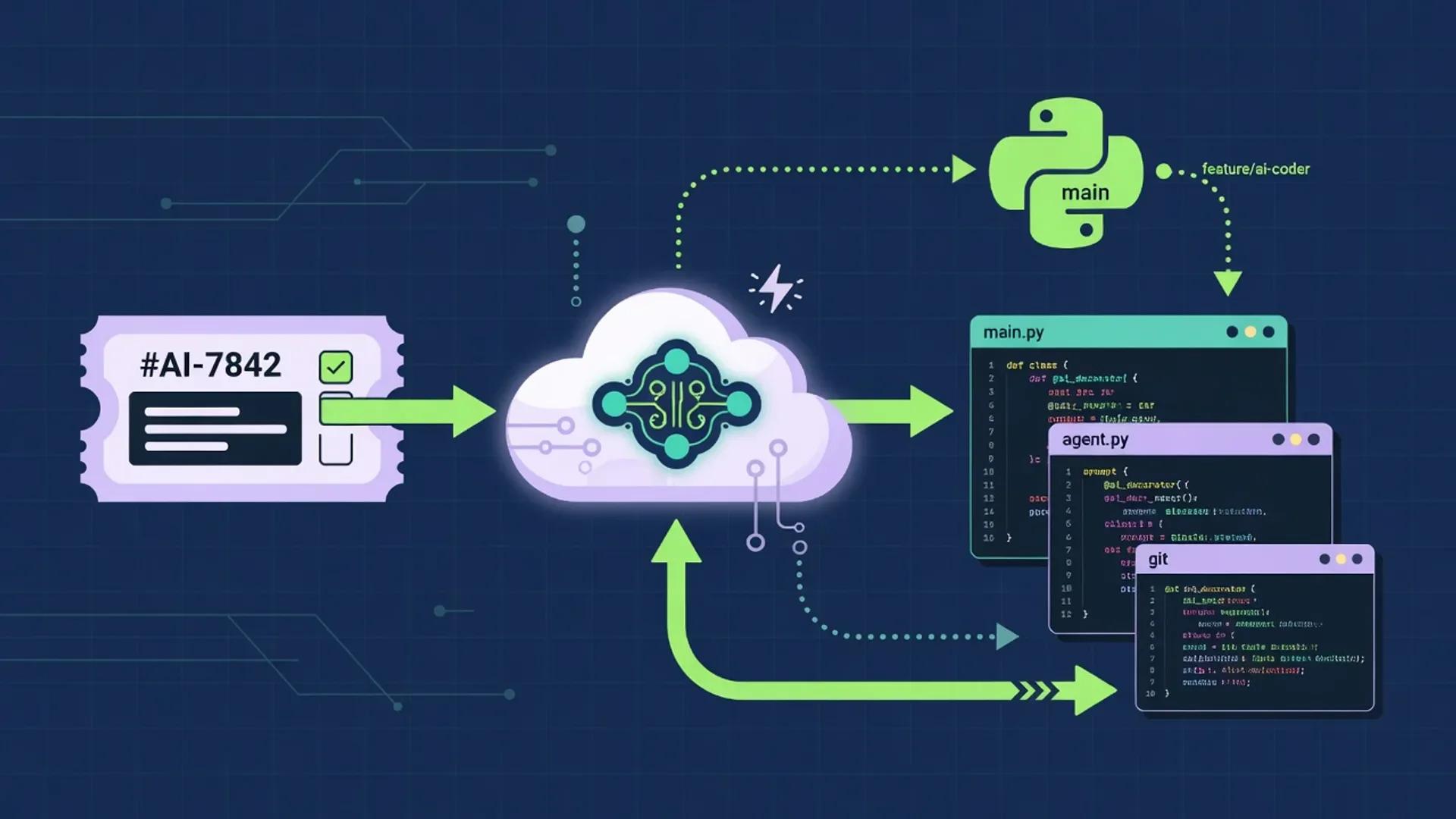
Developer AI Coding Workflow
A multi-step AI coding workflow that keeps humans in charge of framing, architecture, security, and merge decisions while agents handle research, boilerplate, test scaffolding, and review. Drawn from primary docs and standards published between July 1 and August 2, 2026.

Best GitHub Copilot Alternatives
Looking beyond GitHub Copilot for AI coding help in 2026? These alternatives cover AI-native editors, terminal agents, and enterprise-grade IDE assistants — without fake rankings or invented scores.
Next step
Compare options side by side
Open head-to-heads, or review the primary product profile.